Motion · Tooling · 2020
Lottie animations
Why micro-interactions stopped being a fight between designers and engineers, and what shipping a 2KB JSON instead of a 725KB sprite actually changes.
Lottie files make micro-interactions fun and easy, while keeping the developers and designers from killing each other.
For the un-initiated: Lottie is a library for Android, iOS, Web, and Windows that parses Adobe After Effects animations exported as JSON (via Bodymovin) and renders them natively on mobile and on the web. The files are tiny. The animations are vector. The pipeline is finally honest.
A short demo
Here is how Lottie files can be used to build micro-interactions into an app.


Other Lottie files used in the Voyager project
A handful of the small ones I built while shipping Voyager. Onboarding flourishes, completion loops, we’re listening loops, gentle transitions. None of them announce themselves. All of them quietly do work.




I love making them.
It wasn’t always this easy
There was a time when you would have to create GIF sequences to build micro-interactions. That really sucked. It was like animating in stop motion, where you would have to generate a PNG sequence by hand, then hand the engineer a zip file and pray.
For an animation like the one below, at 60 Hz, on a small portion of the app screen view:

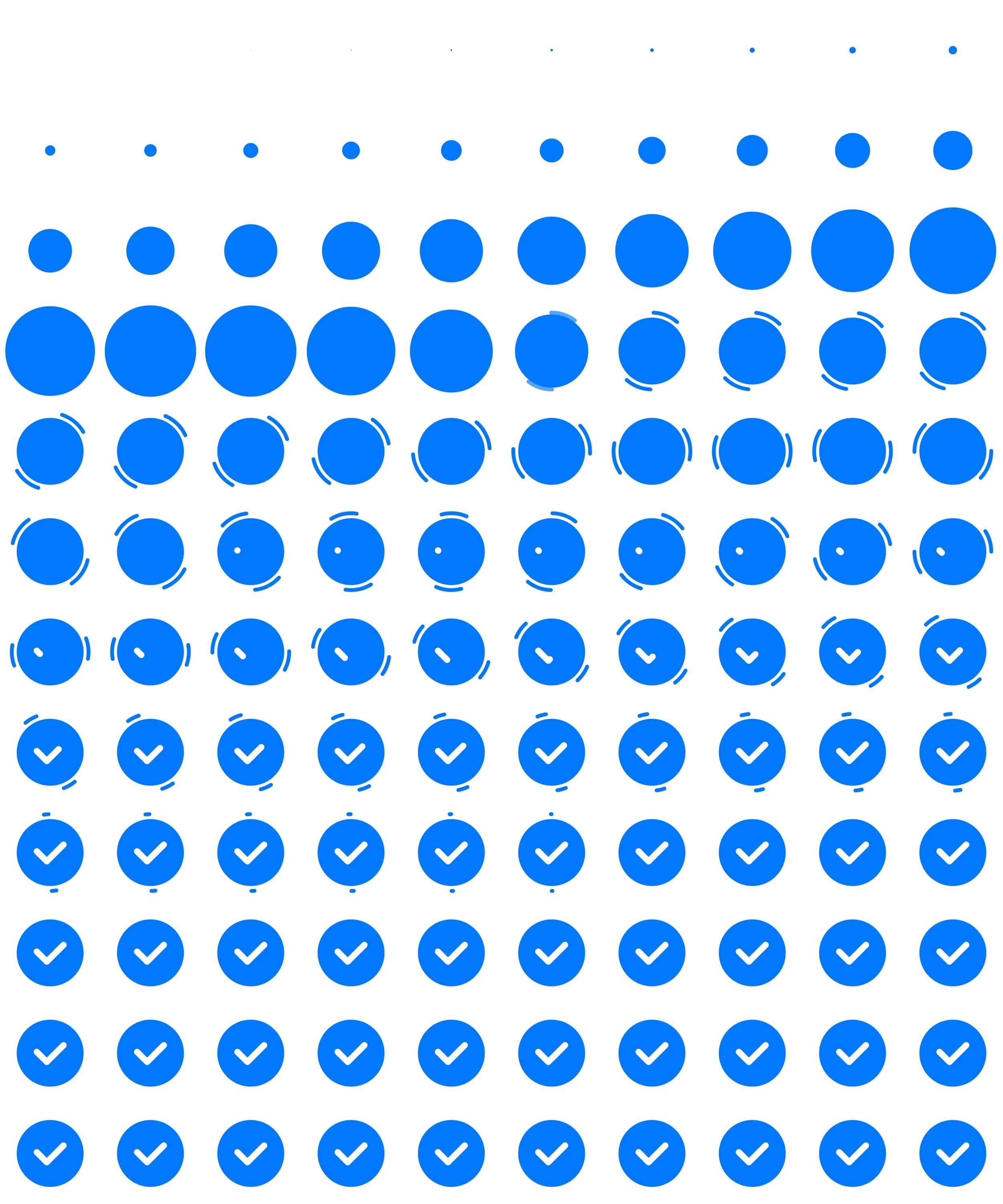
To put a number on it: the animation you just watched, as a Lottie JSON file, weighs about 2 KB. The PNG-sprite version of the same animation, 120 individual frames at 60 Hz, comes in at around 725 KB. Literally 363 times heavier. For a single micro-interaction. On a single screen.
The other disadvantages of using PNG sprite images
A non-exhaustive list, from someone who has done it both ways:
- Static images mean a fixed, jittery animation. No interpolation, no easing, just the frames you authored.
- Create the screens one by one. No variant logic at the file level.
- Huge file size of individual assets that bloats up the app size. A few moments and you’d notice the install size jump.
- Loading the images takes a little while. Especially the first time. The animation often arrived after the moment it was supposed to mark.
- The colours and other design elements cannot be controlled via code. Want the success state to use your accent colour? Re-author every frame.
- Last but not least, it was very difficult to make. Stop-motion is a skill, and producing decent results consistently was its own little career.
Overall, the experience of making these sprites, and for the end user, would both suck. Luckily, Lottie enables you to animate these vector images in After Effects, and thus makes the control and conversion incredibly easy.
What the workflow looks like now
Author in After Effects. Export with Bodymovin. Drop the JSON into a Lottie player component. The designer can tweak timing without re-exporting from scratch. The engineer can change colours, speed, looping, and trigger points without leaving their language. Both sides keep their pride.
It’s a small unlock. Most of the value of Voyager shipping on time lived in not having to fight about animation files at the end of every sprint.